Understand the whole scene
Guide multiple subjects, spatial relationships, lighting, and composition in one natural-language prompt.
AI IMAGE GENERATOR
Bring ambitious visual ideas to life. Describe a scene, refine an existing image, and explore a range of styles with Seedream 5.5.
EXPLORE THE MODEL
Guide multiple subjects, spatial relationships, lighting, and composition in one natural-language prompt.
Describe a focused visual change and preserve the parts of your reference image that should stay intact.
Create posters, packaging concepts, and graphic compositions with clearer, more intentional typography.
Use reference images and iterative edits to explore cohesive characters, palettes, and art direction.
MADE FOR YOUR WORKFLOW
Use Seedream 5.5 to explore a direction, build a concept, or prepare a visual asset for your next project.
VISUAL EXAMPLES
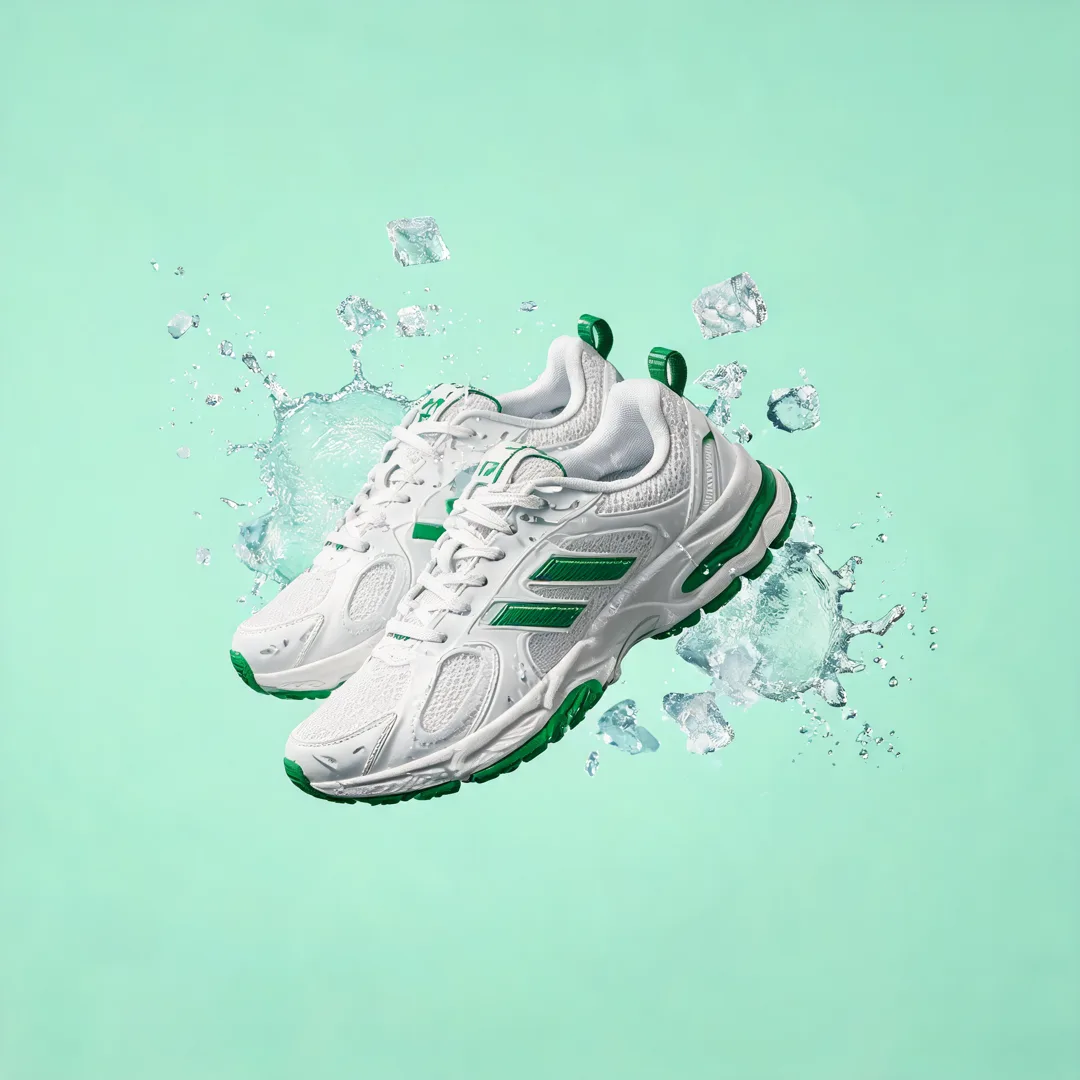
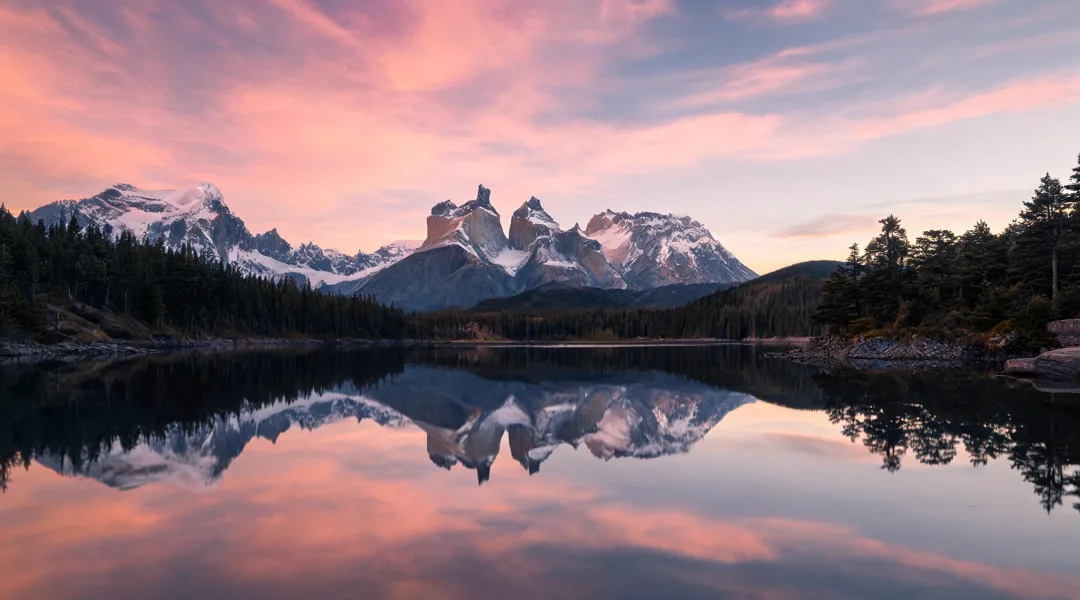
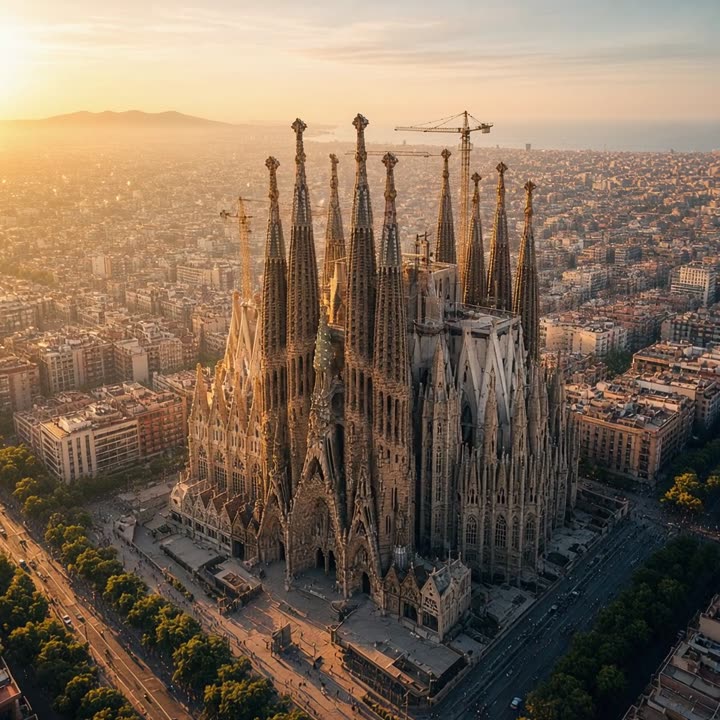
Browse a selection of image and motion concepts for creative inspiration.



FAQ
Seedream 5.5 is an AI image generation model for creating and editing images from text prompts and visual references.
Yes. Add a reference image and describe the change you want to make. Available editing options depend on the model configuration in your workspace.
Describe the subject, setting, composition, lighting, materials, and visual style. Specific relationships between objects can help communicate your intent.
Generation costs are shown in the workspace before a request is submitted. Your balance and credit history are available in account settings.
EXPLORE THE OTHER MODEL
Move between image and video workflows in SeedreamStudio.